

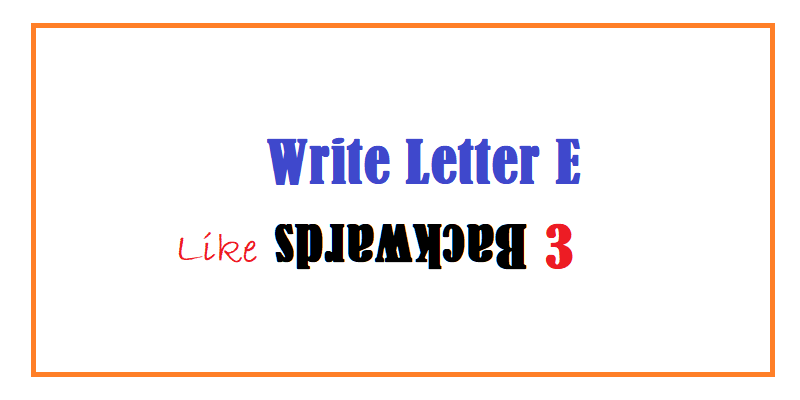
How to Write Letter E That Looks Like Backwards 3
Last Updated on May 5, 2025 by Jim C.
The backwards 3 is read as Epsilon in lower case in Latin word. It also symbolizes Ampersand or the backwards 3 text. That is what the backwards letter E or backwards number 3 is called. That is a Latin letter. This is also a part of the Arabic alphabet that is read “ain” and pronounced as “eye-n” for non-Arabic speakers.
How to write letter E that looks like backwards 3?
To quickly transform code into a backwards three type “0190” on the keyboard, then press ALT-X. This will be the output if you do this- “Ɛ”. You may type it in any text application you are using, such as MS Word, Powerpoint, or Excel.
Another option you have is by inserting this backwards 3 symbol from MS Word’s INSERT Tab.
- Set the font to standard – Arial or Times New Roman. It will show up many symbols available.
- Click the “Insert” Tab.
- Under the Symbol tab, select the Font to be in (normal text). Subset must be Latin Extended-B.
- Set the rectangular box that says “from:” to Unicode (hex).
- Under Character code, type in the box “0190”. The symbol will be shown, and you may now click INSERT for the symbol to be inserted on your typing.
DON’T MISS
About the Author Jim C.
Jim C. Clark is the lead tech blogger at TechnoHacks.net, where he delivers insightful content across a wide range of digital topics. With a keen interest in emerging technology and practical tools, Jim writes in-depth articles on AI, Python, software, and the latest apps. He also shares expert advice on freelancing, digital marketing, SEO, and business growth strategies. Known for his clear, engaging writing style, Jim breaks down complex concepts into actionable insights. Whether he's recommending the best free tools 🧰 or explaining “how to” guides, Jim’s goal is to empower readers with the knowledge they need to thrive in the digital world.